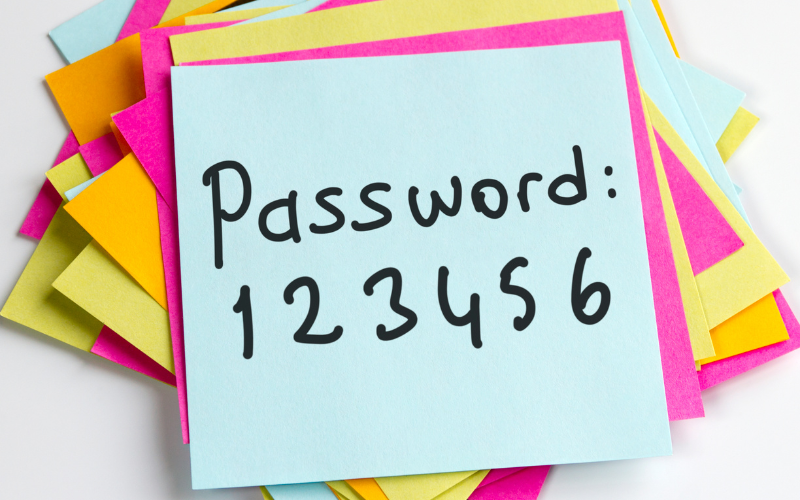
Forgot Your PIN? Need to access E-Resources? Resetting your PIN is easier than you think!
- Go to the My Account page on our website.
- Enter your library card number (check the back of your card).
- Click Forgotten Your PIN?
- A reset link will be sent to the email linked to your account.
- Follow the link, set a new PIN, and you’re back in business!
Pro tip: Make sure your email address is up to date, so you won’t miss that reset link.